

Texture Experiment
by James Howe on Jan.17, 2011, under Travel
(Nikon D700, 28-300mm at 58mm, ISO 200, Exposure 1/500 sec @ f/5.6)
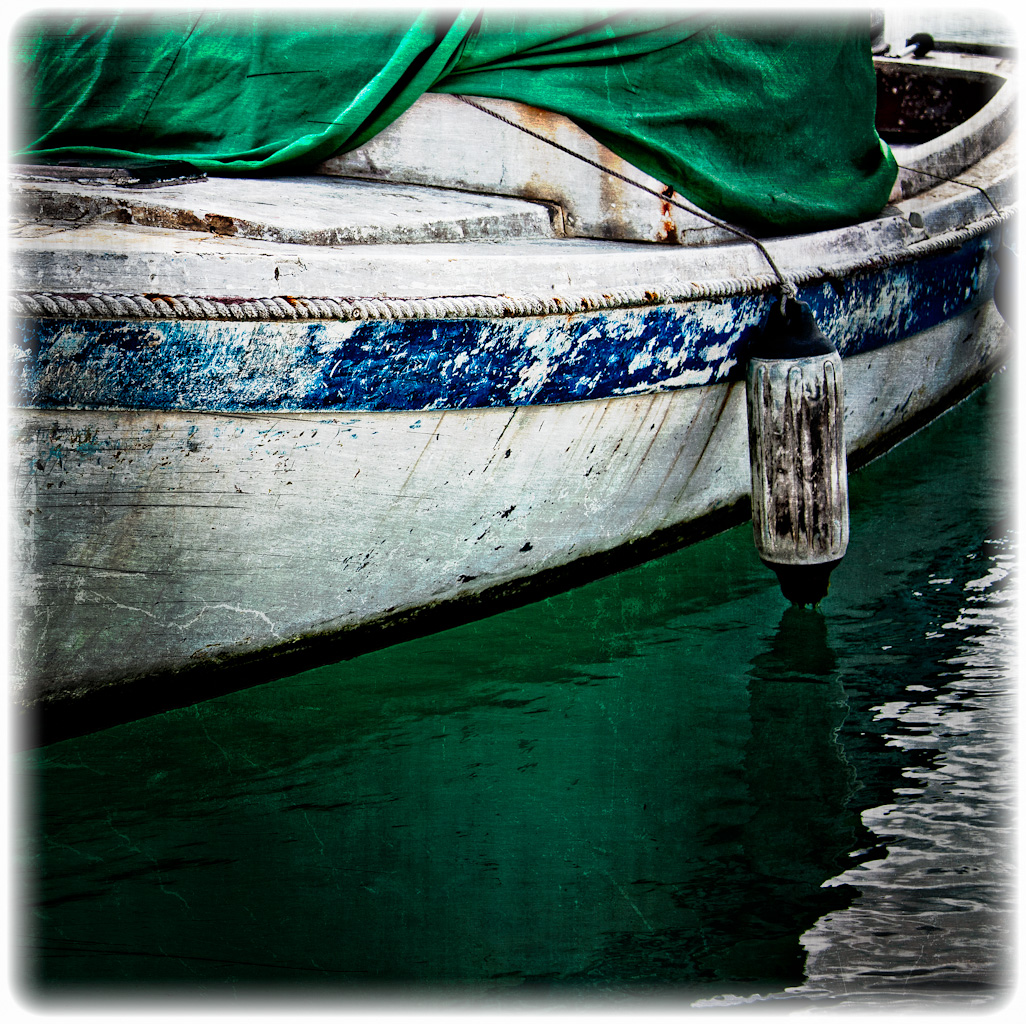
This shot was taken in St. Thomas, USVI on a recent trip. One of the things I was hoping to find was some brightly color boat which would make for an interesting picture. Didn’t find any of those. Instead, what I got was this gritty looking thing. The light was pretty bright and flat but I decided to take the shot anyway just for fun. When I looked through the days shots I wasn’t thrilled with what I had taken, so I decided to work on images that I liked better. After making another pass through those shots I decided to see what could be done with this image. I liked the gritty texture of the boat, especially the way the paint is all chipped and faded. I thought it might be nice to try adding some additional texture to the image through some image overlays.
The first thing I did to the image was crop it down to create a more abstract shot. It’s obviously still a boat, but I think the crop helps you focus more on the details and less on the fact that it is a boat. I then used a couple of texture overlays in Photo Tools. I had an earlier version which used ‘cracked paint’ among other things that I actually kind of liked, but I also thought it looked a bit silly to have cracked paint in the water. Instead I used a film scratch effect and a grunge vignette instead. The vignette made the bumper a bit too dark so I added a curves layer and made the bright area a little larger. I finished things up with a simple edge treatment.
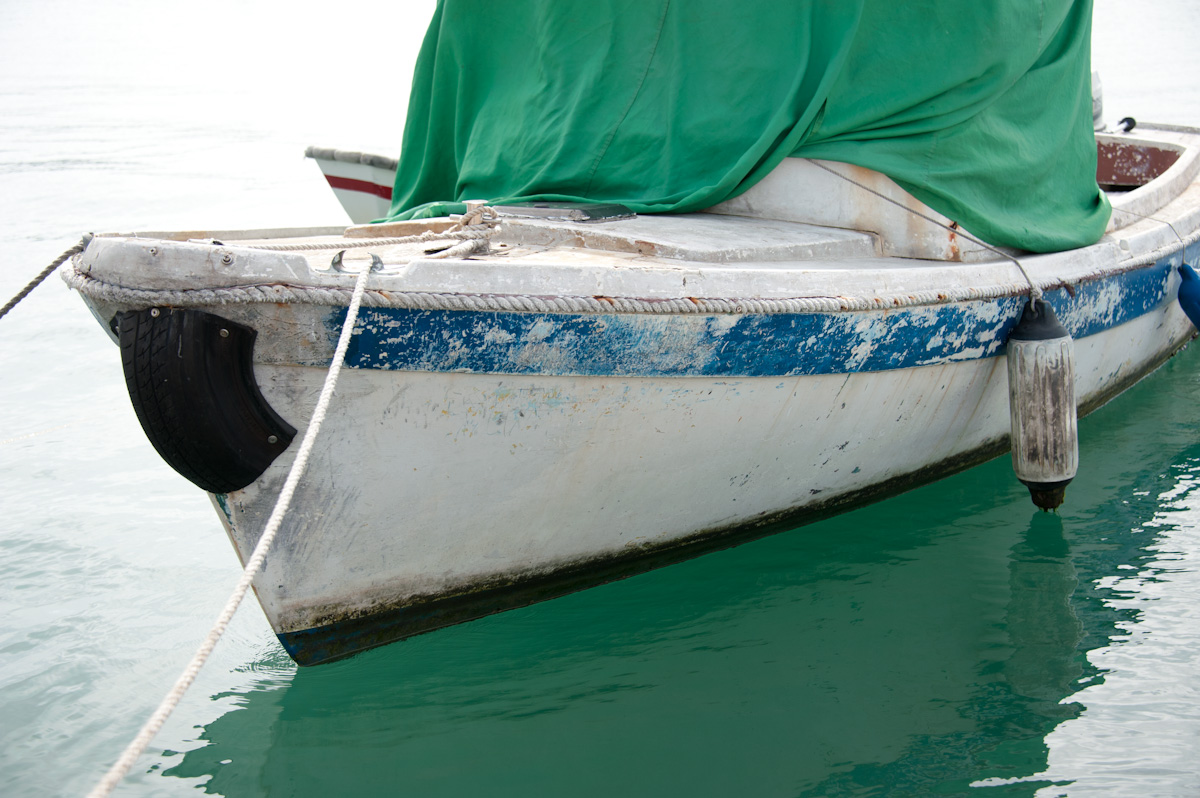
Remember to click on either image to see them in lightbox mode.
I would love to hear your thoughts on this.
Copyright © 2010 James W. Howe – All rights reserved.
Pool Abstract #1
by James Howe on Jan.14, 2011, under Abstract
(Nikon D700, 28-300mm at 150mm, ISO 200, Exposure 1/125 sec @ f/16)
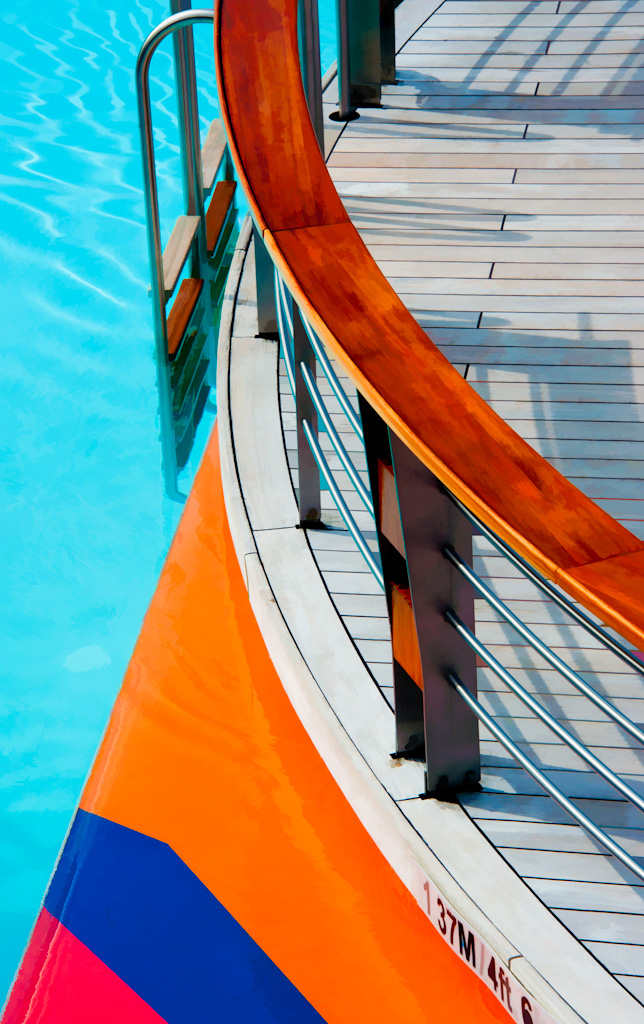
I’ve always been attracted to images with a strong graphical quality, whether they are color or black and white. When I was wandering around our cruise ship I had my eye out for subjects which might make interesting subjects. This image was taken from a bridge which overlooked the pools on the Freedom of the Seas. The pools have a variety of colored elements which make for interesting visuals. For this shot I simply pointed down at a portion of the pool and attempted to capture an interesting pattern of shape and color.
Processing of the image involved bringing out the color that I experienced when I took the shot. The day was bright so some of the color was washed out in the raw file. Adding some black in Lightroom brought back most of the color. I played with a couple of different processing options. In one attempt I used Topaz Adjust to bring out additional contrast in the shot. This had the effect of highlighting the grain on the handrail as well as the grain on the deck. It also brought out more detail in the water. However, I decided that I didn’t like all the detail. I wanted something that had larger shapes and fewer color variations. I then processed the image with the Buz Sim preset in Topaz Simplify. This had the effect of brightening the colors a bit more and making the image somewhat more abstract.
What do you think? Please feel free to leave your comments below.
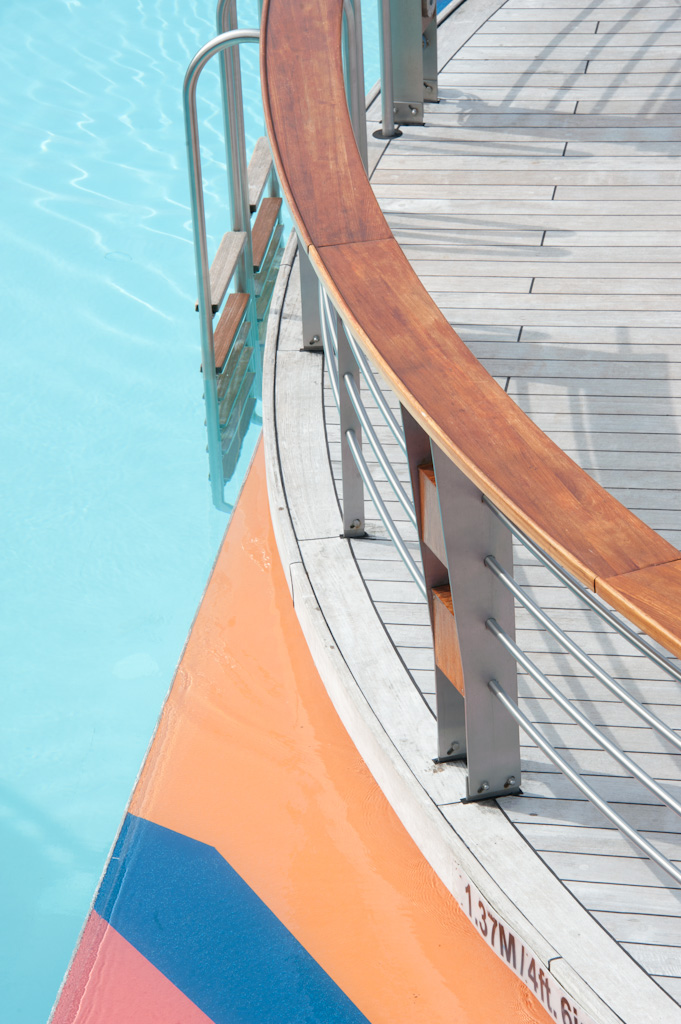
Click either image to see it in lightbox mode
Copyright © 2010-2011 James W. Howe – All rights reserved.
Duty Free
by James Howe on Jan.10, 2011, under Travel
(Nikon D700, 28-300mm at 40mm, ISO 200, Exposure 1/500 sec @ f/5.6)
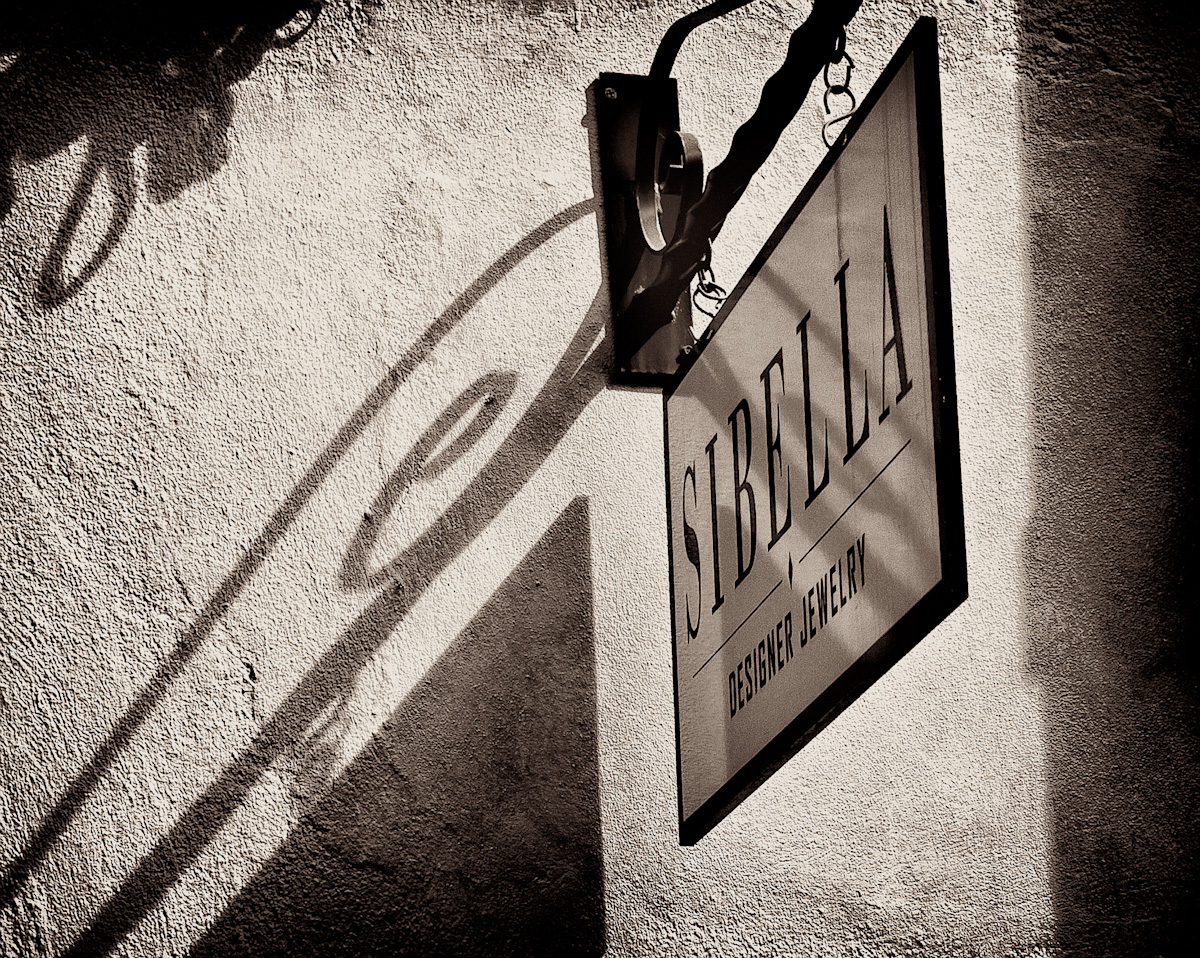
When you take a trip to the Caribbean there are many opportunities to buy things ‘duty-free’. The big industry seems to be to buy alcohol, jewelry or other items that you can bring back to the states without import taxes. This emphasis on ‘duty-free’ shopping is most evident in the port towns that are visited by cruise ships. This shot was taken in St. Thomas, USVI on a recent trip. My wife and I walked from our ship into the ‘downtown’ area and were greeted with shop upon shop selling jewelry or alcohol to the tourists. Most of the stores looked to be quite high-end. We weren’t interested in buying anything so we didn’t really check out the stores. Many of the shops in this part of St. Thomas were housed in what appeared to be shells of older buildings. In addition, there were alleys that separated the structures which also had shops.
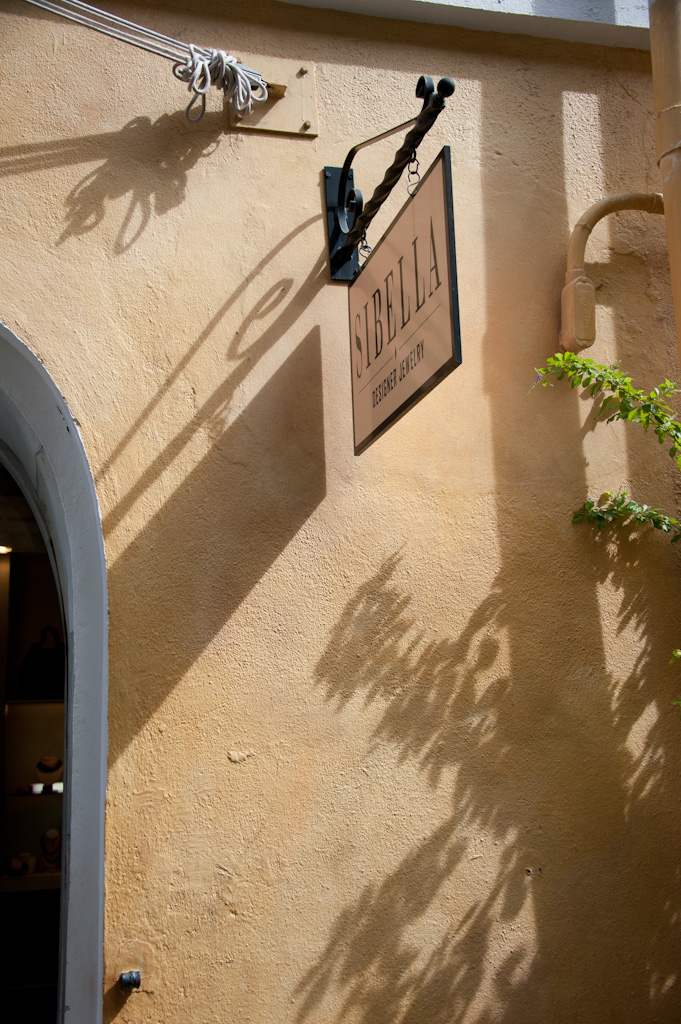
I took this shot as we walked through one of the alleyways. I liked the strong light on the sign and the shadow it cast on the wall. I also liked the way the sun brought out the texture of the wall. For some reason when I took the shot I decided to shoot it wide. I had a 28-300mm lens on my camera and this shot was taken at 40mm. When I was processing it, however, I decided that the wide shot didn’t really capture the intent that I had when I took it. I was drawn to the signage and the shadows and the wide angle shot didn’t work. In processing, I reworked the crop to focus more on the sign and its shadow.
I know that one of my problems as a photographer is that I don’t always take the time needed to get my best shot. When you are with others, it is even more difficult. I should really get in the habit of taking a shot horizontally, vertically and if I’m using a zoom, I should try close-up as well as far away. While you can certainly crop into a larger image, you certainly lose the benefits of all those megapixels if you end up throwing out 60-70% of them.
Process of this image was fairly straight-forward. I used the crop tool in Lightroom to get the crop that I wanted and then I opened the image in Photoshop. I used the ‘Daily Multi-Vitamin’ preset in PhotoTools and used Silver Efex Pro to convert to black and white. I used a custom preset that I had created that I call Holga Panatomic-X. It’s a modification of the Silver Efex Holga preset with decreased grain and uses the Panatomic-X film emulation. A bit of toning was then added to this preset. In Photoshop I added a curves layer to adjust some of the brightness levels and finished it off with some sharpening via the Unsharp Mask filter.
Thoughts?
Copyright © 2010-2011 James W. Howe – All rights reserved.
Herbs
by James Howe on Jan.05, 2011, under Travel
(Nikon D700, 28-300mm at 72mm, ISO 200, Exposure 1/125 sec @ f/5.0)
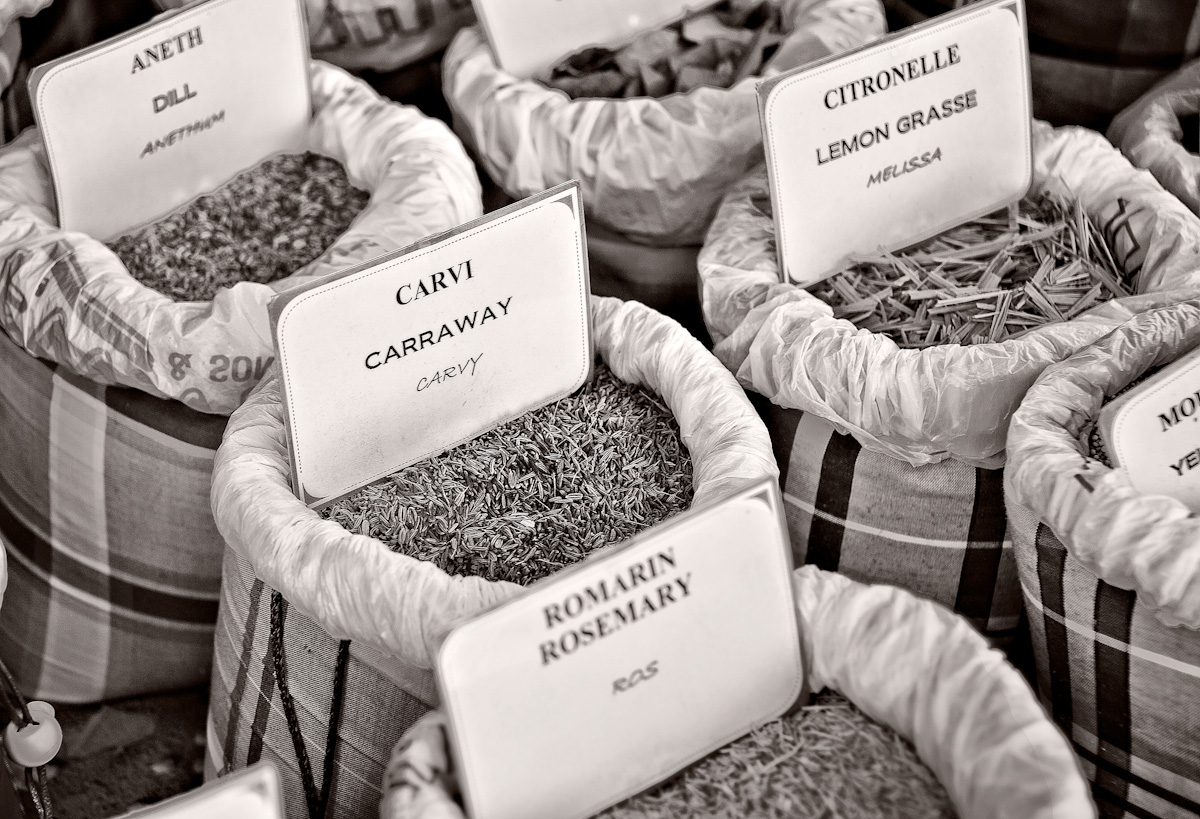
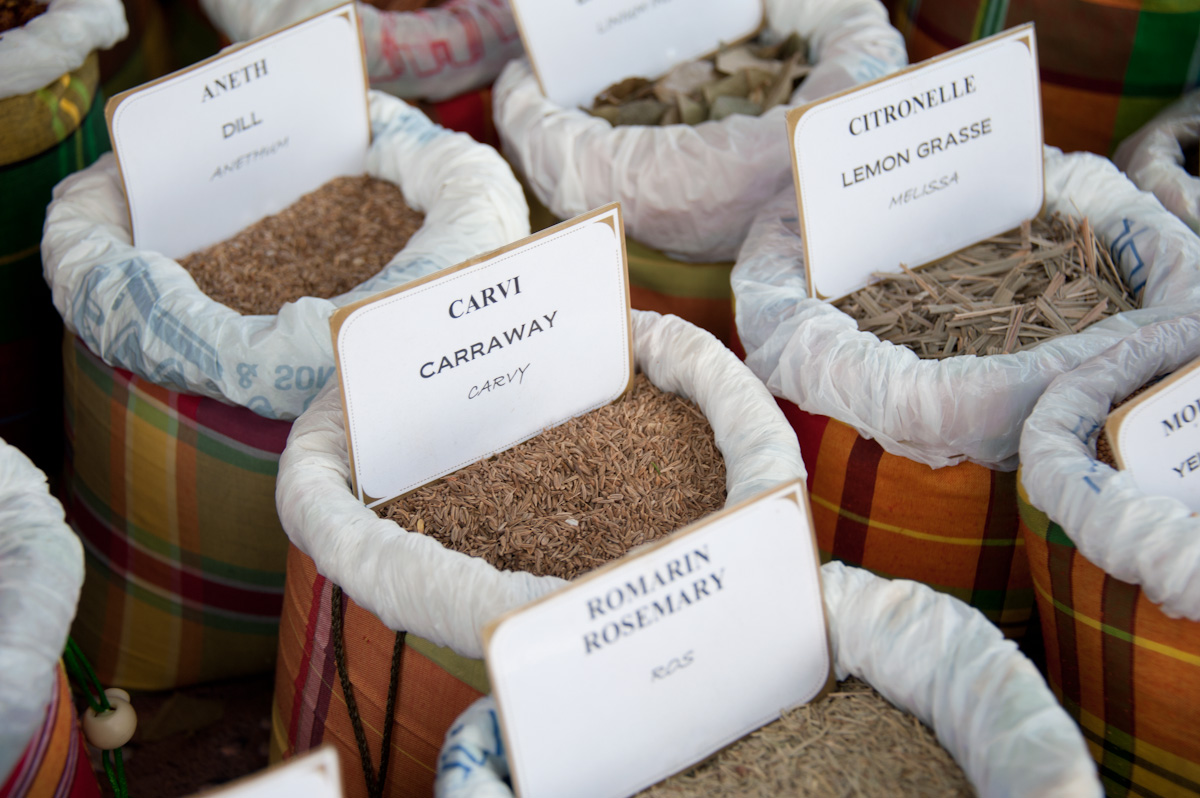
The island of St. Maarten/St. Martin is an interesting place. Half the island is Dutch, half is French. While visiting there my wife and I took a bus tour around the island which started in Phillipsburg on the Dutch side, and travelled to Marigot, the capital of the French side, and back again. Travel between the two sides is seamless, no more complicated than traveling from one state to another in the US. This shot was taken in an open air market near the waterfront in the town of Marigot. The woman who was running the booth had a large collection of herbs and spices in these bags. It was getting later in the day and I think she was starting to pack up by taking the signs out of the bags which identified the contents. I managed to get this shot before she took these out.
Processing included converting the color image to black and white using Silver Efex Pro and I used Focal Point 2 to add just a bit more blur to portions of the image.
Click on either image to see it larger.
Comments?
Copyright © 2010-2011 James W. Howe – All rights reserved.
Game King
by James Howe on Jan.04, 2011, under Travel
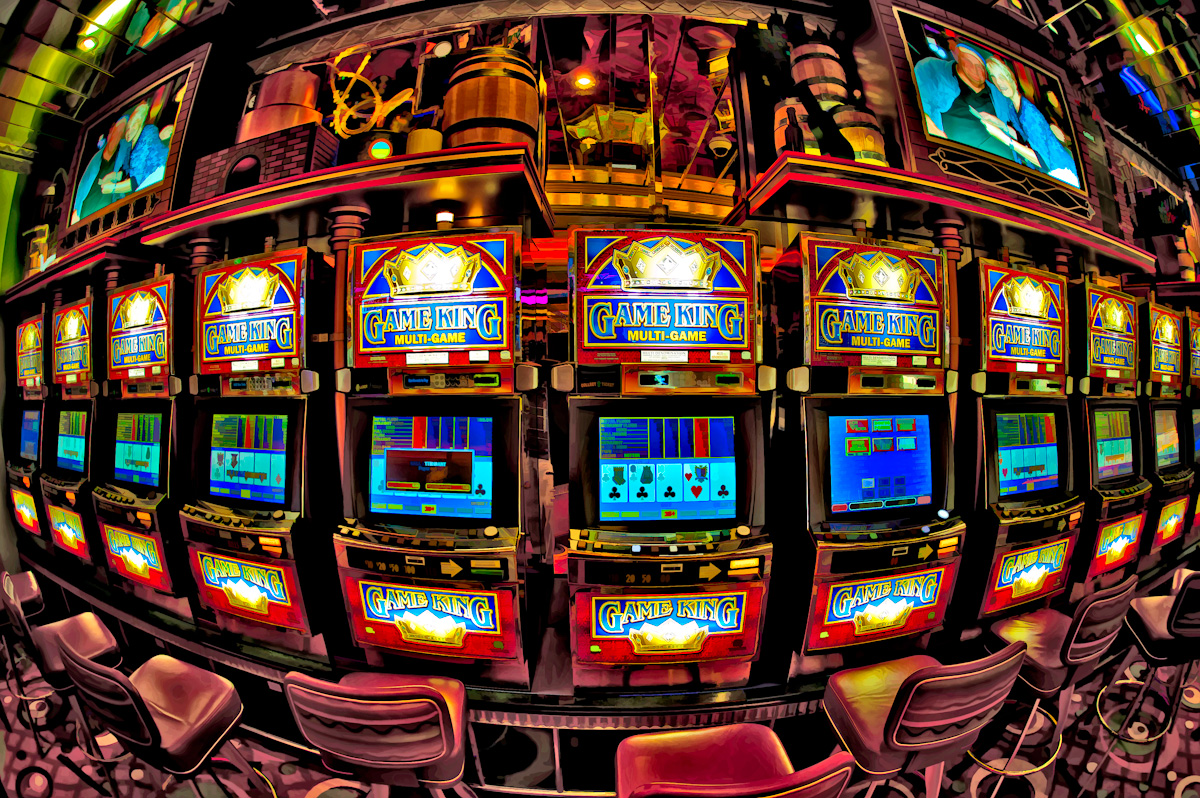
(Nikon D700, 15mm, ISO 200, Exposure 1/15 sec @ f/2.8)
This is another picture I took while on my Caribbean cruise. This is a shot taken in ‘Casino Royale’, the casino on board the Freedom of the Seas. I’m not much of a gambler, although I did play a little video poker while waiting for dinner time and actually ended up ahead by a few dollars. This shot was taken with my new Sigma 15mm fisheye and it shows one of the banks of video poker games in the casino. I thought fisheye might make for an interesting shot.
When it came time to process the shot I noticed that it wasn’t as sharp as I would have liked. I used a narrow aperture which was part of the issue, the other was the shutter speed was 1/15th of a second. However, I didn’t really like the ‘editorial’ version of the shot anyway and I wanted to create something a little bolder and more in keeping with a casino atmosphere. In Photoshop I used a combination of tools, mostly from my PhotoTools collection, combined with Topaz Simplify to create a more colorful image.
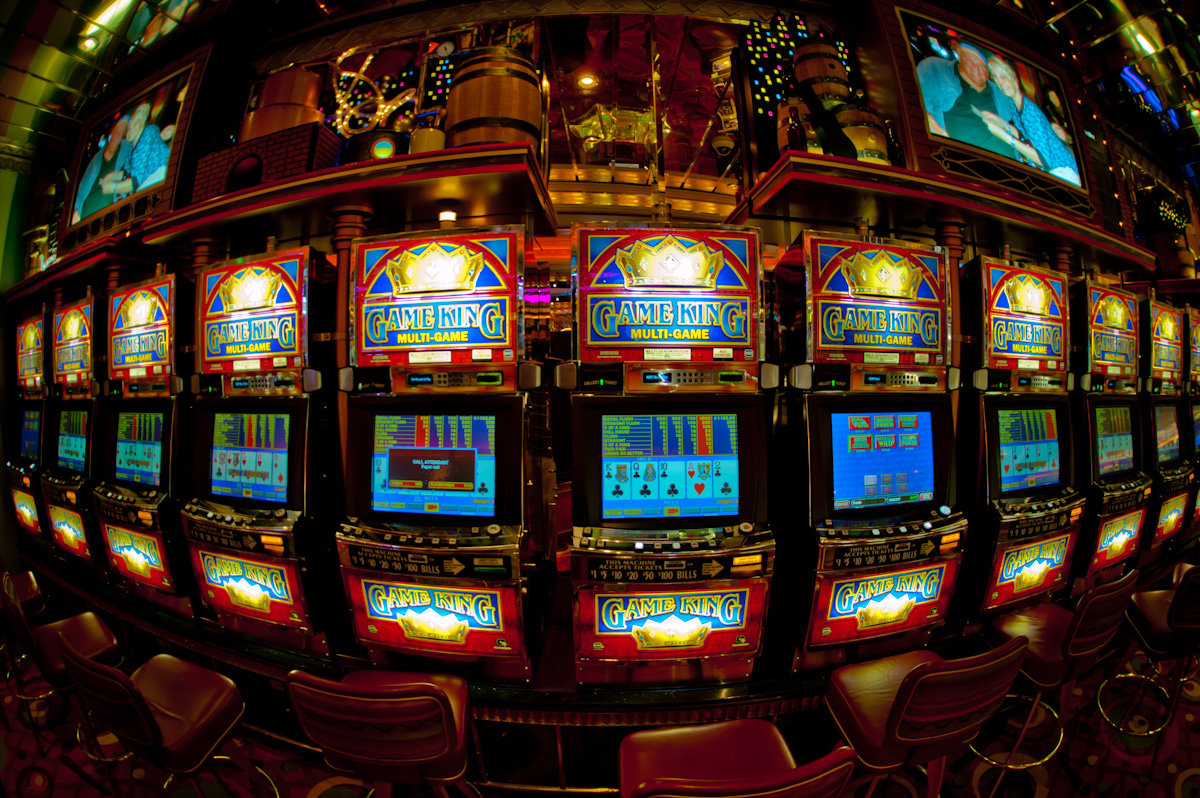
Click on either image to see larger.
Comments?
Copyright © 2010-2011 James W. Howe – All rights reserved.