

Snow on the Law Quad
by James Howe on Feb.22, 2011, under University of Michigan
(Nikon D700, 16-35mm at 22mm, ISO 250, Exposure 1/60 sec @ f/11)
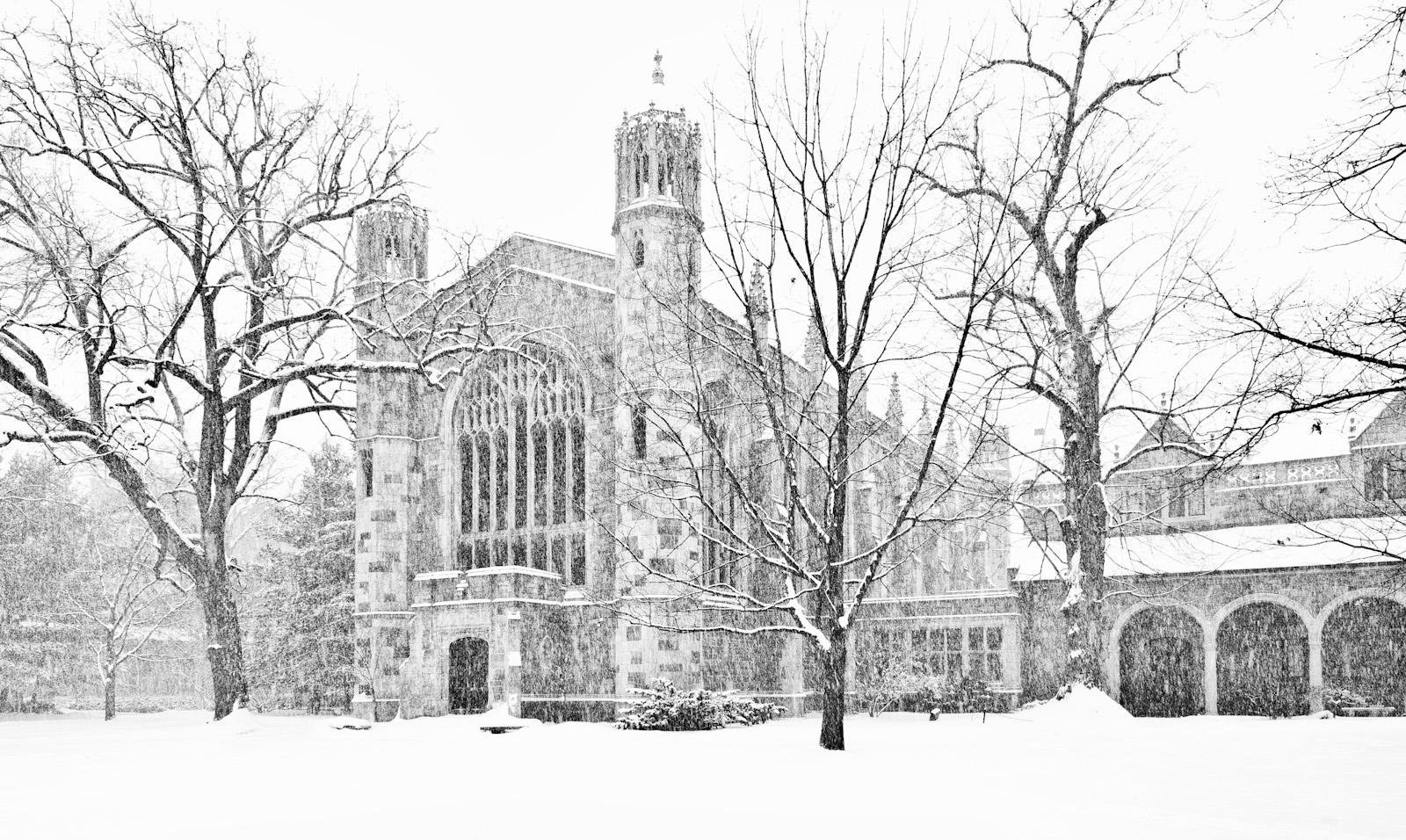
This image is another one from my personal snowstorm photowalk that I took a couple of weeks ago. The picture was taken in the University of Michigan Law Quadrangle during a brief, but intense snowstorm which lasted a few hours. The building in the background is one of the buildings which comprise the buildings known as the Lawyers Club. The Law Quad has an interesting history. The buildings were all funded from a law school alumuns, William Cook, who requested that the school be built in a design reminiscent of Cambridge University. Construction of the Law Quad took place between 1924 and 1933. Mr Cook never saw the completed school.
Like some of the other images taken on my snow walk, this one started out over exposed as a result of an accident. As I previously mentioned, I had inadvertently left my camera in auto bracket mode. As it happens, however, I really like the slightly overexposed look of this shot. I think it helps to bring out the snowy nature of the day. Processing was quite simple. I did some minor perspective correction in Photoshop and I used Silver Efex Pro to convert to black and white (almost unnecessary) and add some ‘structure’ to the final image.
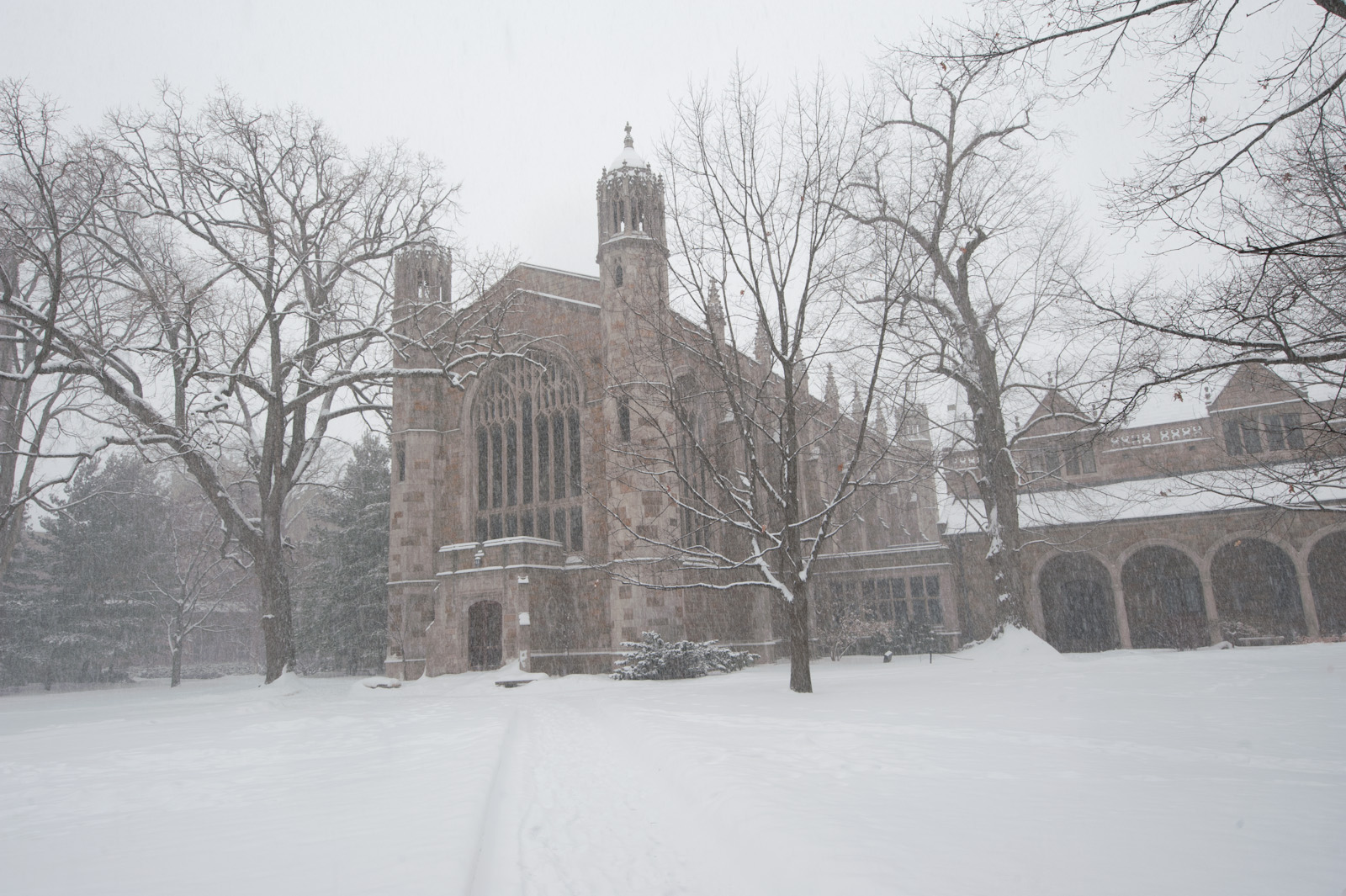
As always, I would love to hear your thoughts. Remember to click on the image to see it in lightbox mode. I think this image looks better when displayed against a darker background.
Copyright © 2011 James W. Howe – All rights reserved.
1 1/2
by James Howe on Feb.18, 2011, under Ann Arbor
(Nikon D700, 50mm, ISO 250, Exposure 1/250 sec @ f/1.8)
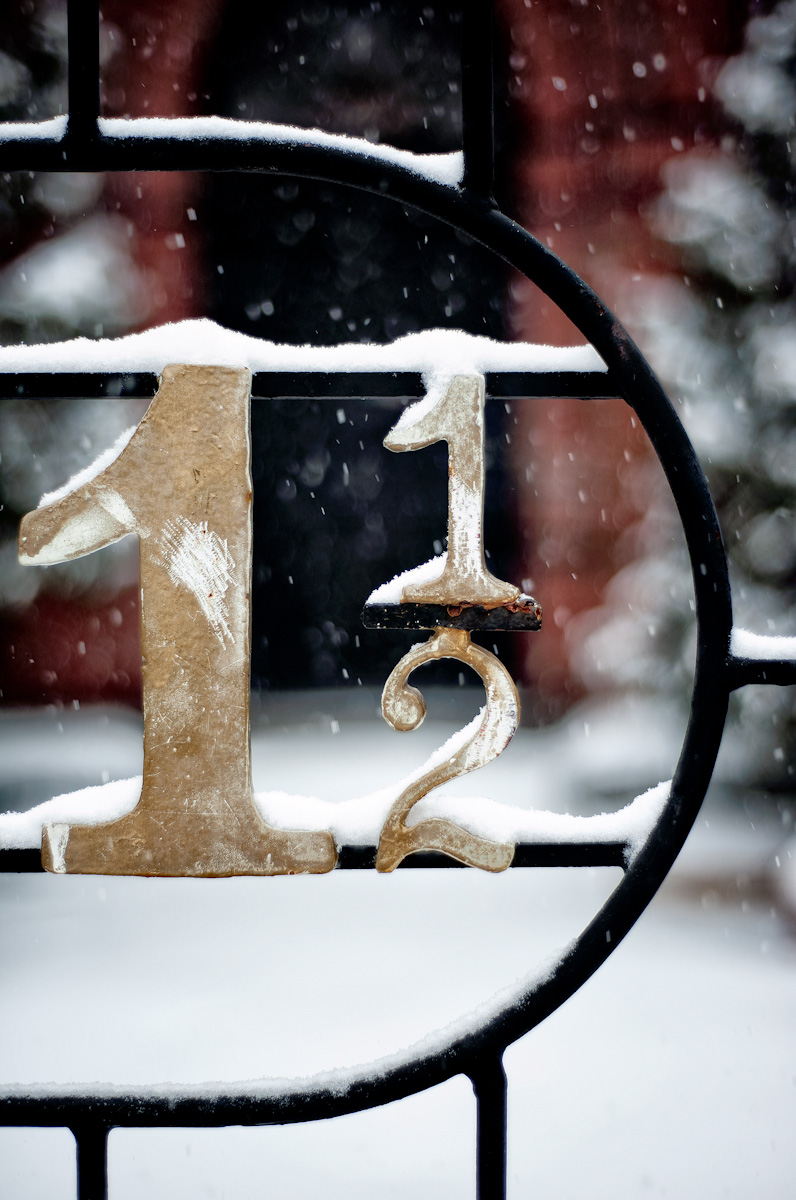
This picture was taken during a recent walk around Ann Arbor, Michigan. We were having a period of heavy snow and I wanted to go out and see what kind of pictures I could get. This shot shows the gate of a local fraternity building known as the Shant. I shot this with my 50mm with the intention of getting a closeup with some hopefully nice blurring in the background. I deliberately selected a portion of the gate that I thought captured some interesting shapes.
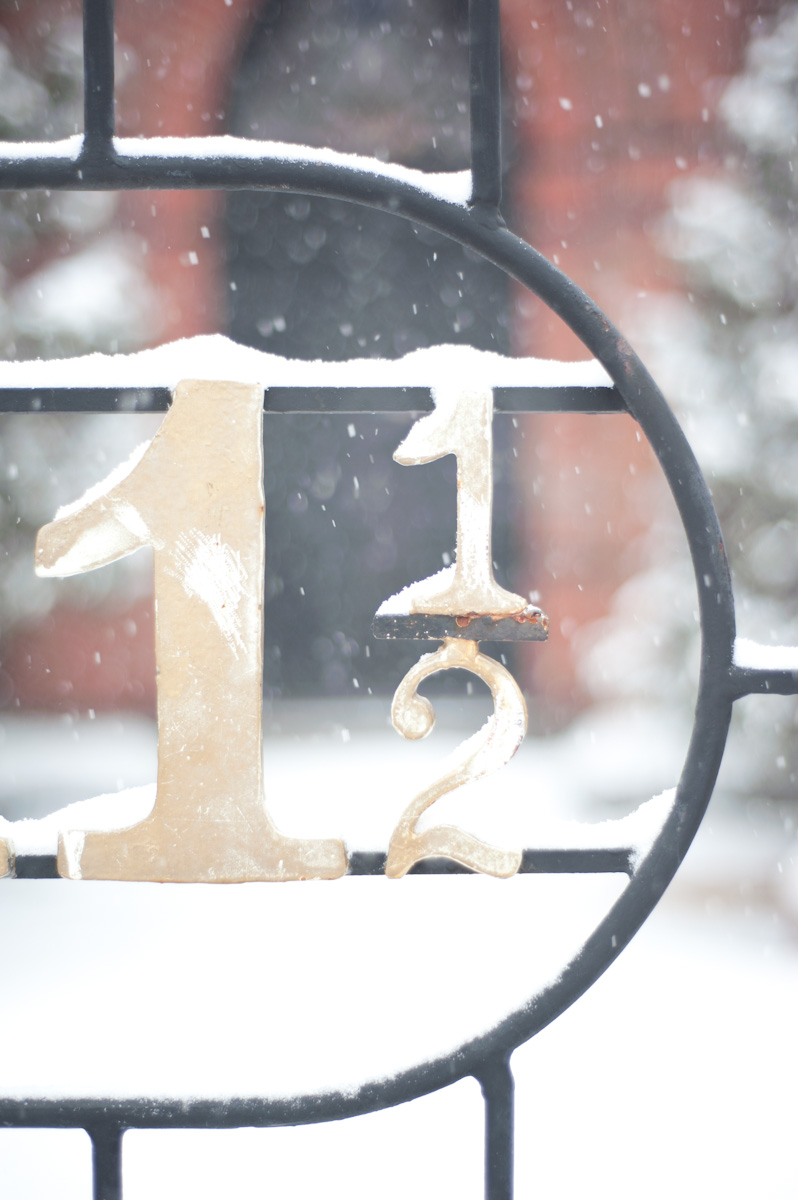
One of the things I learned on my little photowalk is to make sure to reset the camera to some ‘good’ settings before heading out. While taking pictures during my walk, it seemed that some images were coming out way over exposed but others were fine and some were underexposed. The snow was pretty heavy and it was cold so I was somewhat distracted by my environment. When a shot would come out under/overexposed I would click my exposure adjustment button and make an adjustment. It wasn’t until I got home and looked at the pictures that the problem became painfully obvious. I had left my camera in HDR mode. In Lightroom, I could easily see the pattern of good exposure, darker exposures and then lighter exposures. The thing was, I was only shooting a 5 exposure HDR so the under/over exposed images weren’t dramatic enough to make me think about it while I was shooting. Fortunately the Nikon D700 is very forgiving, especially on over exposed images and I was able to bring back some of the over (and under) exposed images.
Processing for this image first involved correcting for my over exposure. In Lightroom I dropped the exposure down by about 1.5 stops. From there the image actually looked pretty good. I took the image in to Photoshop and used Photo Tools and Silver Efex Pro on a Luminosity layer to bring out some of the texture in the numbers and iron. I debated about making a black and white image, but I really liked the color combination of the dark red with the black and gold of the gate as well as the snow. I didn’t find a black & white treatment which worked as well.
Please feel free to leave me your comments!
Copyright © 2011 James W. Howe – All rights reserved.
Through the Windshield
by James Howe on Feb.14, 2011, under black and white
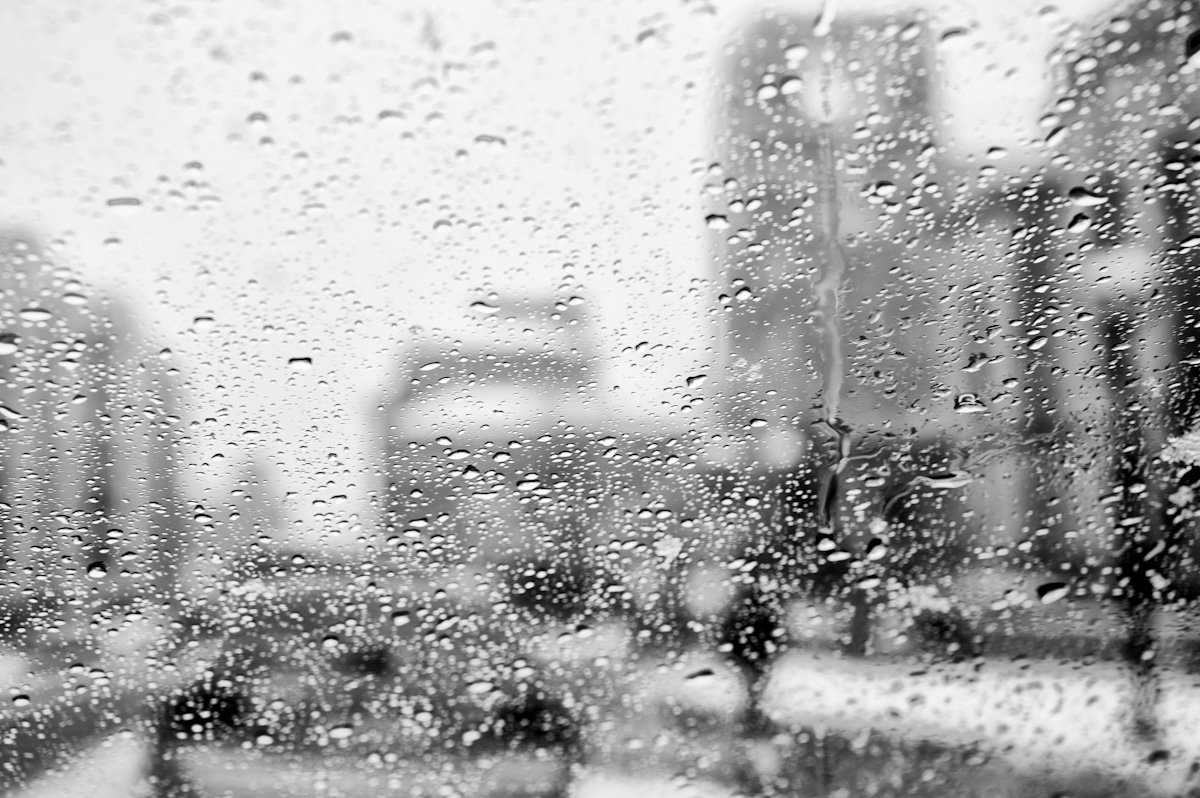
(Nikon D700, 70-300mm at 70mm, ISO 200, Exposure 1/60 sec @ f/8.0)
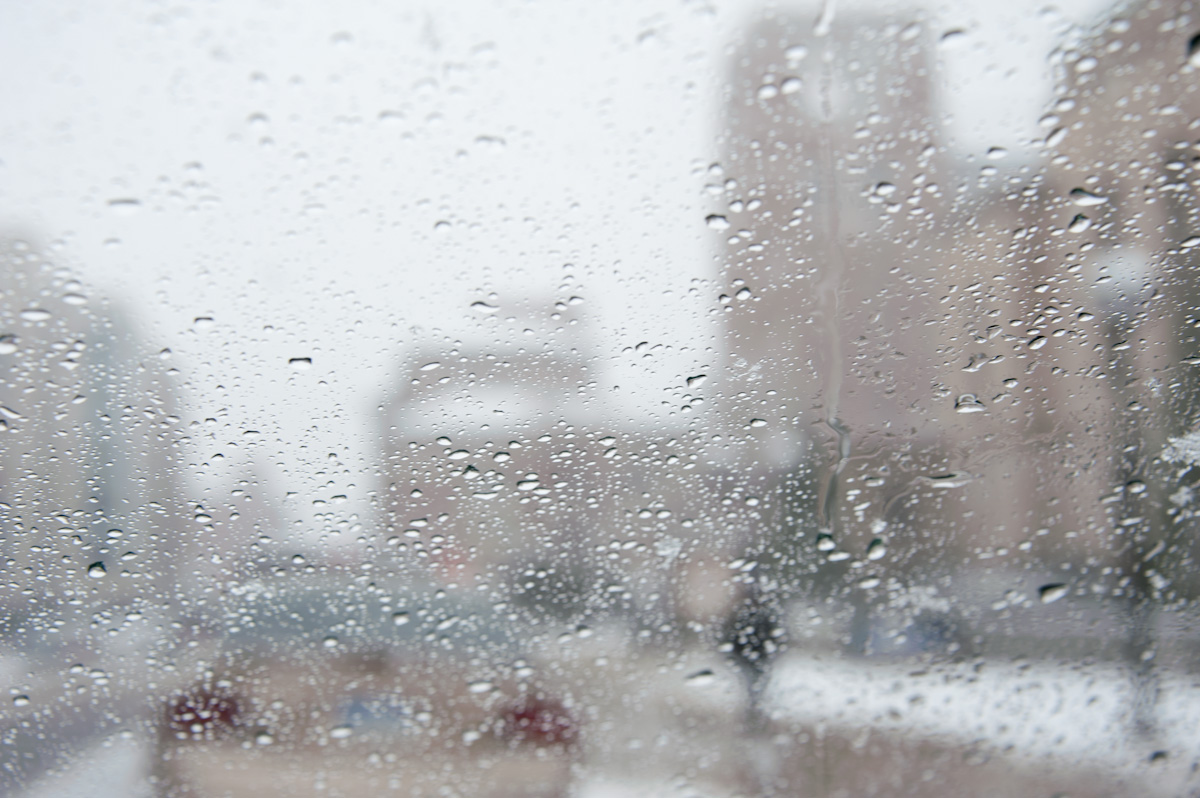
This image is not my usual style, I sort of took it on a whim. I had gone out to shoot some shots of the University of Michigan campus during a snowstorm and I had just parked my car and was getting my gear ready. I popped my lens on and decided to fire off a quick shot looking out the windshield of my car. Just a quick grab shot and that I wasn’t really expecting much from. A few weeks after I too this, I noticed it in my Lightroom catalog and I thought it looked sort of interesting. Given the somewhat abstract nature of the shot, I knew this had to be black and white. A simple conversion using Silver Efex Pro and a bit of sharpening and I ended up with my final image. Click the image to see it in lightbox mode. I think it looks better on a darker background.
Comments
Copyright © 2010-2011 James W. Howe – All rights reserved.
Red Shoes
by James Howe on Feb.08, 2011, under Ann Arbor
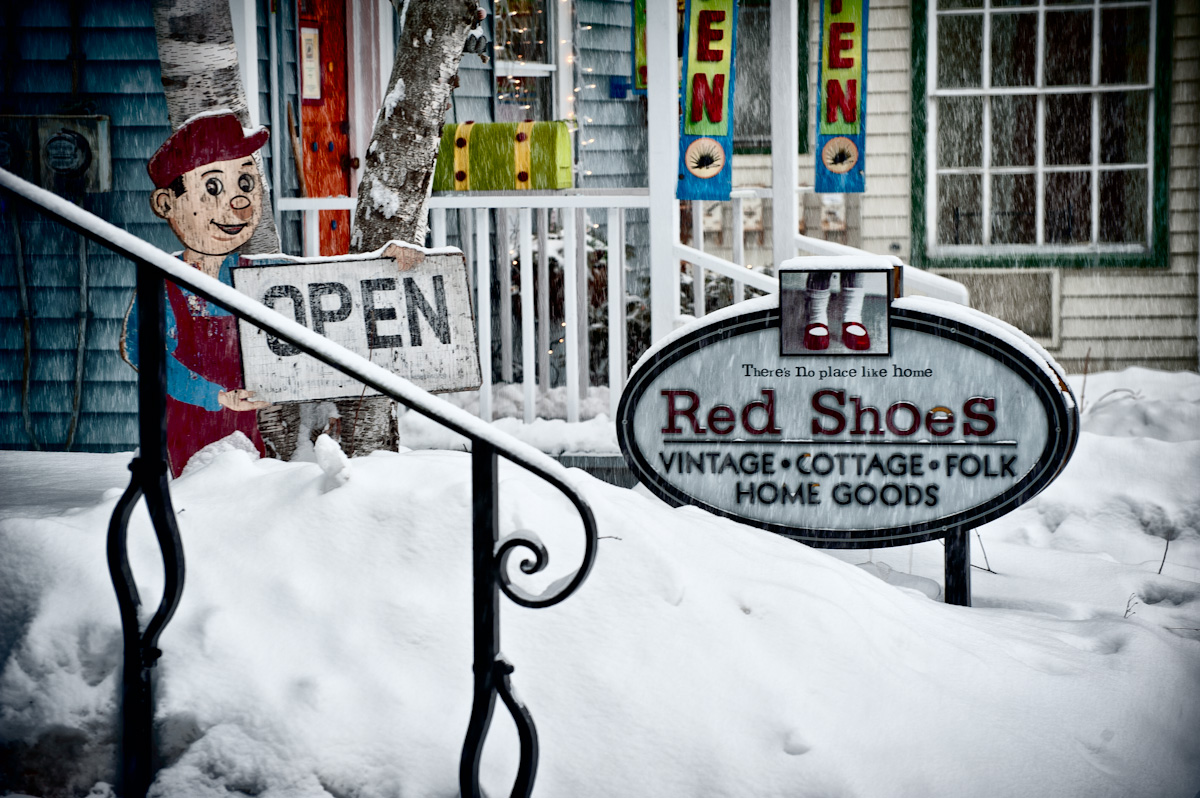
(Nikon D700, 70-300mm at 116mm, ISO 200, Exposure 1/60 sec @ f/8.0)
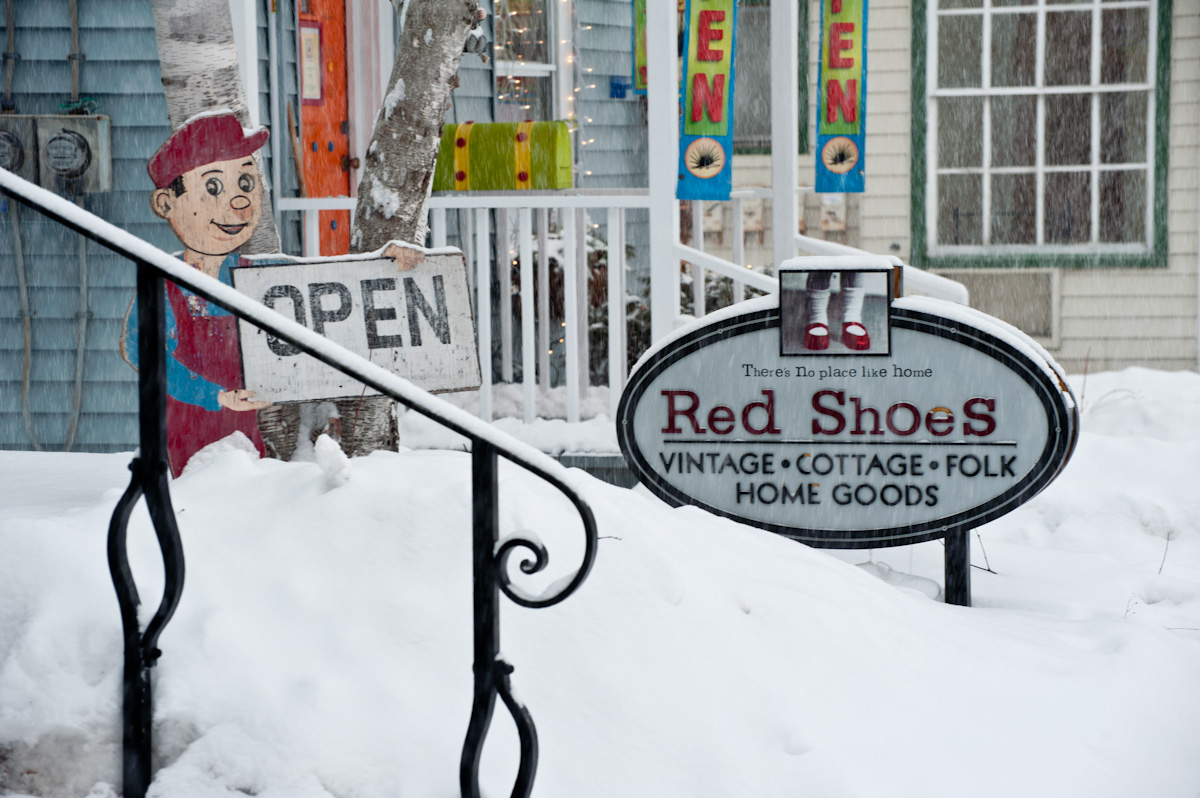
This past weekend we had a brief but intense snowstorm. I thought it might be fun to go shoot in the snow so I packed up my camera and drove into Ann Arbor. I ended up parking the car right in front of this store. Actually the Red Shoes store is really out of frame and what you are seeing in the background is Lexi’s Toy Box, a local toy store. I’ve always liked the exteriors of these two stores and I liked the way they looked in the snow so I grabbed a quick shot before walking around town to get some more pictures.
The processing of this image was fairly simple. I used Silver Efex pro to pull out some additional texture in the image. I didn’t like the black & white version so I set the blend mode to Luminosity to keep the color but use the effects created in Silver Efex Pro.
Copyright © 2011 James W. Howe – All rights reserved.
Bugatti
by James Howe on Feb.06, 2011, under Automotive
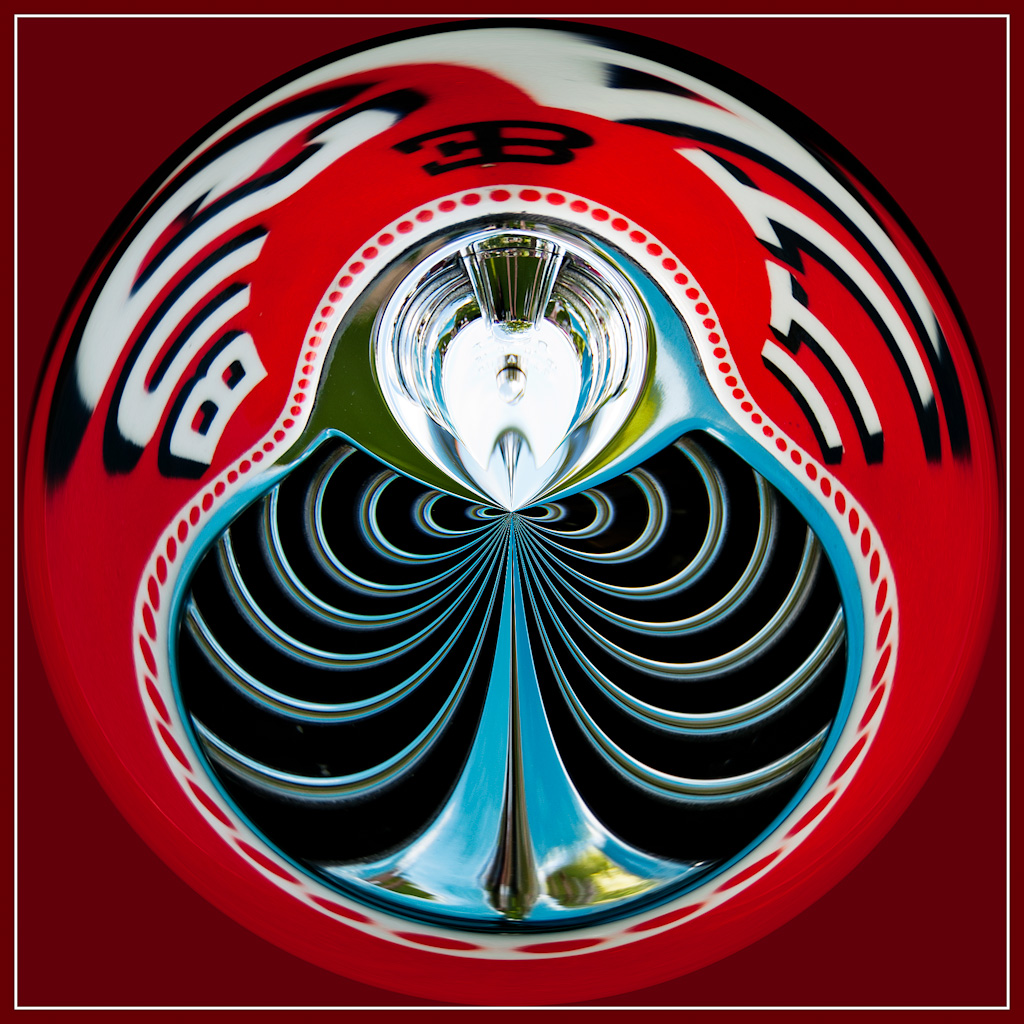
(Nikon D700, 70-300 at 210mm, ISO 200, Exposure 1/125 sec @ f/5.3)
I recently received an e-mail from Gary Grobson, a photographer and retired architect who had some nice comments about my web site. Of course I had to check out his web site as well and I was quite impressed by his work. One of the areas I really found fascinating was his Circles gallery. I really liked the interesting shapes and forms found in these images. I asked him how these image were created and he sent me a Photoshop action which he uses to create these images. If you haven’t seen these before, the images are created by taking a square crop and using the Photoshop Polar Coordinates filter a couple of times to create the circular image. Naturally I had to play around with some of my images to see what I could come up with.
These images are fun to create. It’s interesting to play around with different sections of an image to see what can be created. After a while you start to get a feeling for what will work and what won’t. Things with lines tend to work well. Text can also add some interesting elements. I’m still learning what works and what doesn’t and I’ll be posting some additional attempts from time to time.
This image was created from one that I took at the 2010 Concours d’Elegance held at Meadowbrook Hall in Rochester Hills, Michigan. The raw shot didn’t really do much for me, but I thought the ‘circle’ process came up with something interesting. I used the basic action to create the circular image and then did a couple flips and rotations to change the way the text was displayed. I added an additional border to create the framed image.

Love to hear your comments. Thanks!
Copyright © 2011 James W. Howe – All rights reserved.